
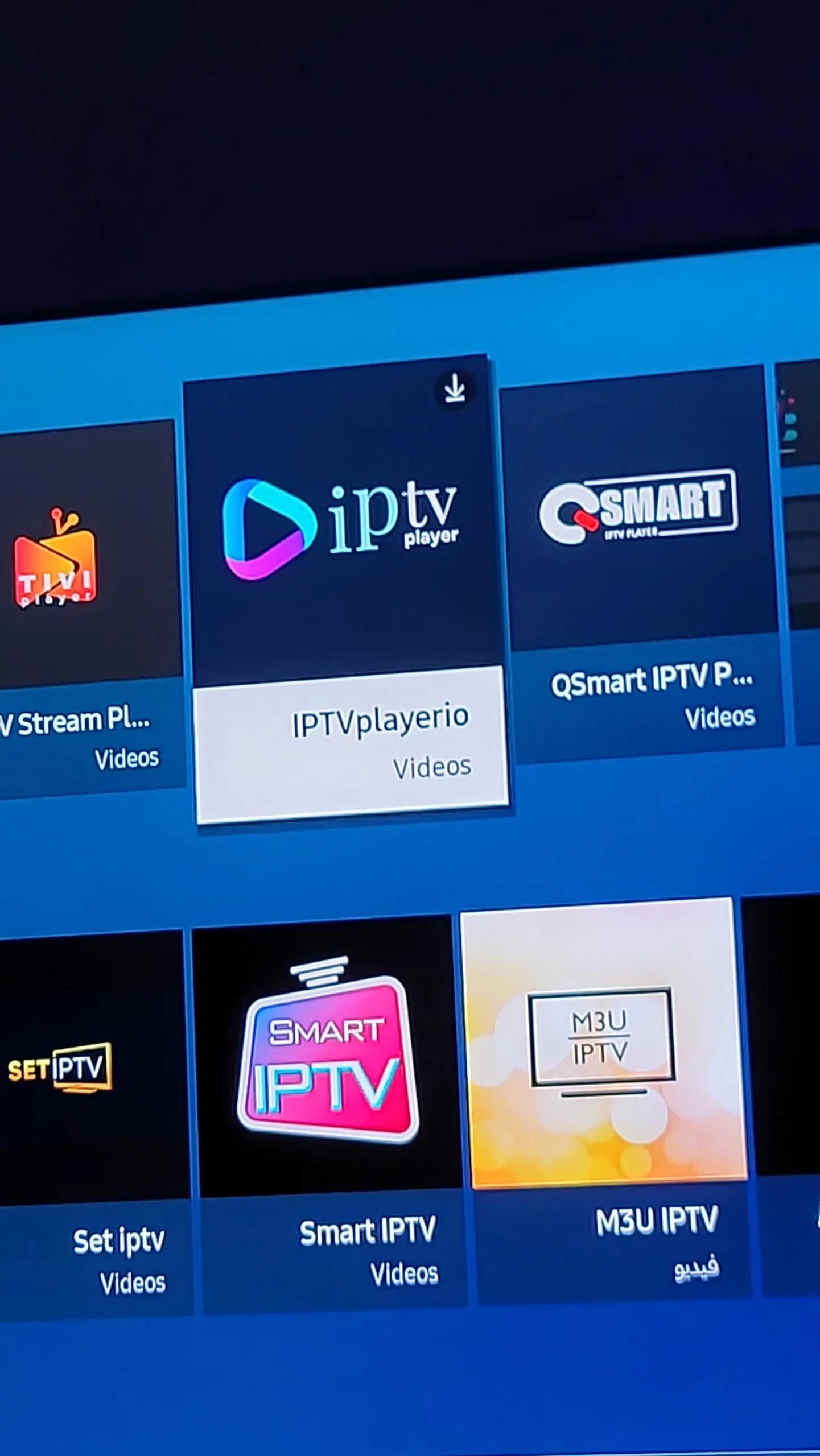
The Best IPTV Apps for All Devices in 2026

A top-tier IPTV subscription is only half the equation. If you pair a great server with a clunky, outdated player, you will experience buffering. Weโ€™ve tested the top players across Firestick, Android, Smart TVs, and iOS to find the absolute best IPTV apps for a smooth, cable-like experience.

Tested on 10+ Platforms
Free & Premium Options
2026 Updated Rankings
Best IPTV Apps for All Devices including Firestick, Android, Smart TVs, and iOS players
๐Ÿ“ฑ
5+ Top Apps
Tested & Ranked

Top-Rated IPTV Player Apps of 2026

We tested the most popular IPTV players across every major platform. Here is our definitive ranking based on interface, EPG reliability, catch-up features, and overall stability.

IPTV Smarters Pro

Universal (All Devices) 100% Free โญ 4.5/5

The most popular and widely supported IPTV app in the world. IPTV Smarters Pro is the go-to choice for beginners because itโ€™s completely free and available on almost every platform, including iOS, Apple TV, Windows, and native Smart TV app stores. It cleanly separates Live TV, Movies, and Series, making it very easy to navigate.

  • Completely free to use with no hidden paywalls
  • Available on virtually every device and operating system
  • Clean layout that separates Live, VOD, and Series
  • Supports both Xtream Codes API and M3U playlist logins
  • Interface feels a bit dated compared to TiviMate
  • EPG (TV Guide) loading can sometimes be slow or clunky
  • No advanced features like multi-screen or recording

IBO Player

Samsung / LG Smart TVs Free Download / ~$7 Activation โญ 4.6/5

The best native solution for Samsung and LG Smart TV owners. Since you can't easily sideload apps like TiviMate onto a Smart TV, IBO Player is the most stable, lightweight alternative available directly in the Samsung Tizen and LG WebOS app stores. It handles large playlists beautifully and requires a simple, one-time activation fee after a free trial period.

  • Officially available in Samsung and LG app stores
  • Very lightweight and stable on older Smart TV hardware
  • Simple, straightforward interface that just works
  • One-time activation fee (no recurring subscriptions)
  • Requires a small one-time payment to unlock full use
  • Lacks the advanced customization of Android-based players

How to Choose the Right IPTV App for You

Not sure which player is right for your setup? Here are the three most important factors to consider before downloading.

M3U vs. Xtream Codes

If your provider offers Xtream Codes API login (Server URL, Username, Password), choose an app like TiviMate or IPTV Smarters. It loads EPG data much faster than long M3U URLs and is less prone to typos.

Free vs. Premium Apps

Free apps like IPTV Smarters are great for beginners. But if you watch daily, the small one-time fee for TiviMate Premium unlocks multi-screen, catch-up TV, and recording โ€” features that completely transform the experience.

Your Device Hardware

An underpowered device will cause buffering, no matter how good your provider is. For Android/Firestick, use TiviMate. For Samsung/LG Smart TVs, use IBO Player. For iOS/Apple TV, use IPTV Smarters or GSE.

๐Ÿ“Š Quick Comparison: Top 3 IPTV Apps

Feature TiviMate IPTV Smarters Pro IBO Player
Best For Android / Firestick All Devices (Universal) Samsung / LG Smart TVs
Price Free / $5.99 Premium 100% Free Free Trial / ~$7 Activation
Interface Quality โญโญโญโญโญ (Premium) โญโญโญโญ (Good) โญโญโญโญ (Good)
EPG Reliability Excellent Good (can be slow) Good
Catch-up TV โœ… Yes (Premium) โŒ No โŒ No
Recording โœ… Yes (Premium) โŒ No โŒ No
Multi-Screen โœ… Yes (Premium) โŒ No โŒ No

Got the Perfect App? Now You Need a Perfect Server.

Even the best IPTV app in the world will buffer endlessly if your provider's servers are overloaded or poorly maintained. Don't let a cheap, unreliable subscription ruin your premium setup. Test the services we've personally vetted for zero-buffering, 4K quality, and 24/7 support.

See Our Top-Rated, Buffer-Free Providers

Frequently Asked Questions About IPTV Apps

Is TiviMate worth the premium price?
Absolutely. If you use an Android device or Firestick and watch IPTV daily, TiviMate Premium is worth every penny. The cable-like interface, catch-up TV, recording, and multi-screen features completely transform the experience. The free version is good, but the premium version is what makes it the #1 rated app in the community.
Can I use IPTV Smarters Pro on a Samsung or LG Smart TV?
It depends on your TV's region and model year. On some newer models, IPTV Smarters is available directly in the Samsung Tizen or LG WebOS app store. However, if you can't find it, IBO Player or Nanomid are excellent, officially-supported alternatives that work just as well.
What is the best completely free IPTV app?
IPTV Smarters Pro is the best 100% free option. It works on virtually every device (iOS, Android, Windows, macOS, Smart TVs) and supports both M3U and Xtream Codes logins. For Android/Firestick users who don't want to pay, the free version of TiviMate is also excellent, though it lacks premium features like catch-up TV.
Why does my IPTV app keep crashing or freezing?
App crashes are usually caused by one of three things: 1) Your playlist is too massive (10,000+ channels) for your device's RAM. 2) The app's cache is full โ€” go into settings and clear the cache. 3) You're using an outdated version of the app. Always update to the latest version from a trusted source like the official Downloader app or your device's app store.
Do I need a VPN when using these IPTV apps?
While not strictly required for the apps to function, a VPN is highly recommended. It encrypts your traffic, prevents your ISP from throttling streaming speeds, and adds a layer of privacy. Many users report noticeably smoother playback after connecting to a fast VPN server before launching their IPTV app.
× ๐Ÿ’ฌ 12 Months IPTV โ€“ $59 Chat now on WhatsApp